
StreamLadder - Edit Twitch and YouTube clips for TikTok
Short-form videos have become an important way for content creators to attract new audiences and share memorable moments online. For streamers on platforms such as Twitch, YouTube, and Kick, turning long broadcasts into engaging clips can help extend the life of their content. StreamLadder addresses this need by offering an accessible online video editing solution designed for repurposing streaming highlights.
What Makes StreamLadder Useful for Content Creators?
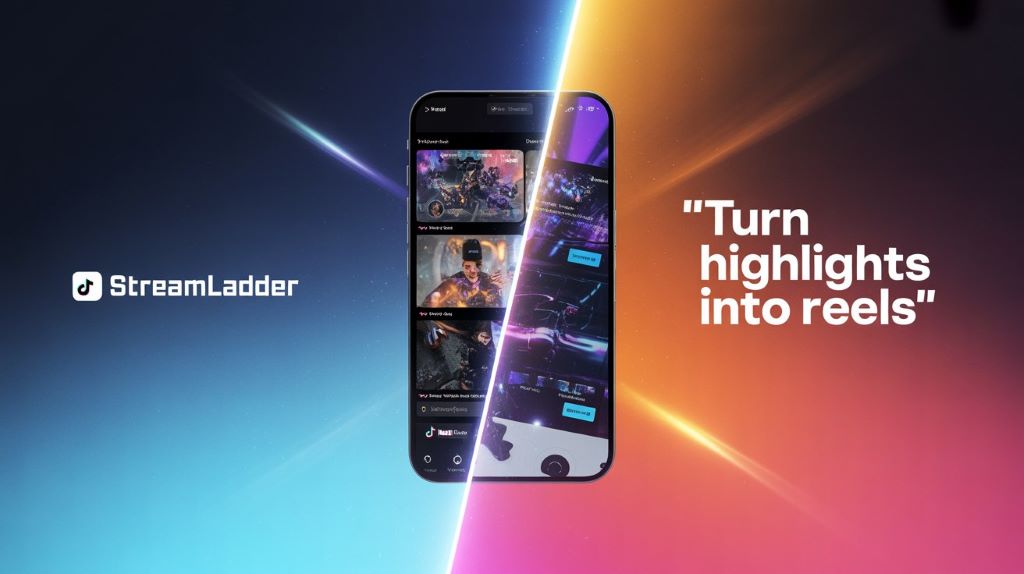
StreamLadder is an online video editing platform focused on converting livestream moments into short, shareable content. Rather than manually editing every recording with complex software, users can work with existing clips and adapt them to the format of their preferred social networks.
The platform supports workflows involving Twitch, YouTube, and Kick clips. Its tools are designed to simplify the process of highlighting important moments, improving accessibility through captions, and presenting footage in a format that works well on mobile screens.
StreamLadder can be useful for gaming streamers, esports creators, commentators, and other video producers who want to make more content from their existing broadcasts.
Main Features of StreamLadder
Vertical Video Conversion
One of StreamLadder's central functions is converting horizontal footage into a vertical layout. Users can adjust the composition to keep important action visible, making clips more suitable for smartphone viewing.
Automatic Caption Generation
Captions can help viewers follow conversations, jokes, reactions, and gameplay commentary, even when audio is muted. Automated captioning also reduces the amount of manual transcription required during editing.
Customizable Editing Tools
The editor provides options for modifying video layouts and enhancing important moments. Depending on the available tools and plan, creators can use effects such as zooming, stickers, and other visual adjustments to make clips more engaging.
Audio Enhancements
Sound effects can add emphasis to reactions, unexpected events, or entertaining moments. Used carefully, these additions can make short clips feel more dynamic without distracting from the original content.
Social Media Publishing
StreamLadder includes publishing-related features that can help creators prepare and distribute their videos. Depending on account access and supported integrations, users may be able to schedule or publish content to selected social platforms.
AI-Assisted Clip Analysis
AI-based analysis, including virality-oriented scoring where available, can help creators assess which moments might have potential as short-form content. Such scores should be treated as suggestions rather than guarantees of audience engagement.
How StreamLadder Works
StreamLadder follows a straightforward workflow that takes a video clip from its original source to a social-media-ready format.
- Choose a clip: Upload a supported video file or provide a compatible clip URL from a supported platform.
- Customize the layout: Convert the original footage into a vertical format and adjust the framing to emphasize the main subject.
- Enhance the video: Add captions, visual effects, stickers, or sound effects where appropriate.
- Preview the result: Check the framing, text accuracy, sound, and overall presentation before exporting.
- Export or publish: Save the finished video or use available publishing features to distribute it to a supported social network.
This workflow allows creators to produce several short videos from a longer stream without rebuilding their content from scratch.
How to Get Started with StreamLadder
Getting started generally involves visiting the official website at StreamLadder.com and opening the available editing tools.
After choosing a clip, users can experiment with the editor to find a suitable vertical layout. Captions should be reviewed for transcription errors, while zoom effects and other enhancements should be applied selectively to maintain the context of the original footage.
Once the edit is complete, users can preview and export the video. Account registration may provide access to additional functions, including publishing tools, while the availability of specific features can depend on the current subscription plan.
Why StreamLadder Appeals to Streamers
More Content from Existing Videos
A single livestream may contain multiple funny, exciting, educational, or unexpected moments. StreamLadder helps creators reuse those moments rather than relying entirely on new recordings.
A More Accessible Editing Process
The platform focuses on a specific task: turning existing clips into short-form videos. This can make the process more approachable for users who do not have experience with professional editing software.
Content Designed for Mobile Audiences
Vertical videos fit the viewing habits of many social media users. Adapting clips to this format can help creators present their content more naturally on mobile devices.
Support for Different Creator Workflows
Whether a creator wants to share gameplay highlights, memorable reactions, or commentary, the platform provides tools for preparing short clips for different social channels.
However, editing tools alone cannot guarantee more views or followers. Performance still depends on the quality of the original moment, the editing choices, audience interests, and the platform's recommendation systems.
StreamLadder Alternatives Worth Exploring
CapCut
CapCut offers a range of video editing tools for short-form content, including captions, transitions, effects, and templates. It can be suitable for creators who want broader control over the final edit.
OpusClip
OpusClip focuses on using AI to identify and repurpose moments from longer videos into shorter clips. It may be useful for creators who work with interviews, podcasts, and lengthy recordings in addition to livestreams.
InVideo
InVideo provides online video creation and editing tools for social media content, promotional videos, and other projects. It is worth considering when a creator needs more general-purpose video production features.
VEED
VEED is a browser-based editing platform with features such as subtitles, video resizing, and other editing tools. It can be a practical option for users who want to prepare videos without installing traditional desktop software.
The most appropriate alternative depends on the type of footage being edited, the level of automation required, the available budget, and the features included in each plan.
Is StreamLadder Safe and Legal to Use?
StreamLadder is designed as a browser-based editing service, but users should still review its current privacy policy, terms of service, and account permissions before uploading content.
Legal use depends largely on the rights associated with the footage. Editing a clip does not automatically grant permission to redistribute copyrighted video, music, or another creator's broadcast. Users should obtain the necessary permissions and comply with the rules of both the source platform and the destination social network.
Creators should also avoid uploading confidential recordings or sensitive information unless they understand how the service handles uploaded files and personal data.
Frequently Asked Questions
Is StreamLadder free?
StreamLadder offers free and paid options, although feature limits and subscription details may change. Check the official website for the latest plan information.
Do users need an account?
Some basic editing activities may be available without registration, while additional features may require an account. Requirements can vary according to the tool being used.
Which platforms does StreamLadder support?
The service is associated with clips from Twitch, YouTube, and Kick, and helps prepare videos for destinations such as TikTok, Instagram Reels, and YouTube Shorts. Specific integrations should be checked on the official website.
Can StreamLadder create vertical videos automatically?
It is designed to simplify the conversion of horizontal clips into vertical layouts. Users should still review the framing to ensure that important subjects and action remain visible.
Does StreamLadder work on mobile devices?
As a web-based service, it can be accessed through compatible browsers on supported devices. The editing experience may differ depending on screen size, browser capabilities, and device performance.
Can StreamLadder guarantee viral videos?
No. Editing tools and AI-assisted assessments can help creators prepare content, but they cannot guarantee views, engagement, or viral success.
Who should use StreamLadder?
It may be useful for livestreamers, gaming creators, esports commentators, and anyone who wants to turn longer video content into short clips for social media.
Final Thoughts
StreamLadder provides a focused approach to transforming livestream highlights into vertical videos for modern social media platforms. By bringing together clip conversion, captions, visual enhancements, and publishing-related tools, it can help creators simplify their content repurposing workflow.
For streamers who regularly produce long broadcasts but want to share shorter highlights, StreamLadder is an option worth exploring. Reviewing its current features, pricing, and usage terms can help determine whether it fits a creator's publishing goals.